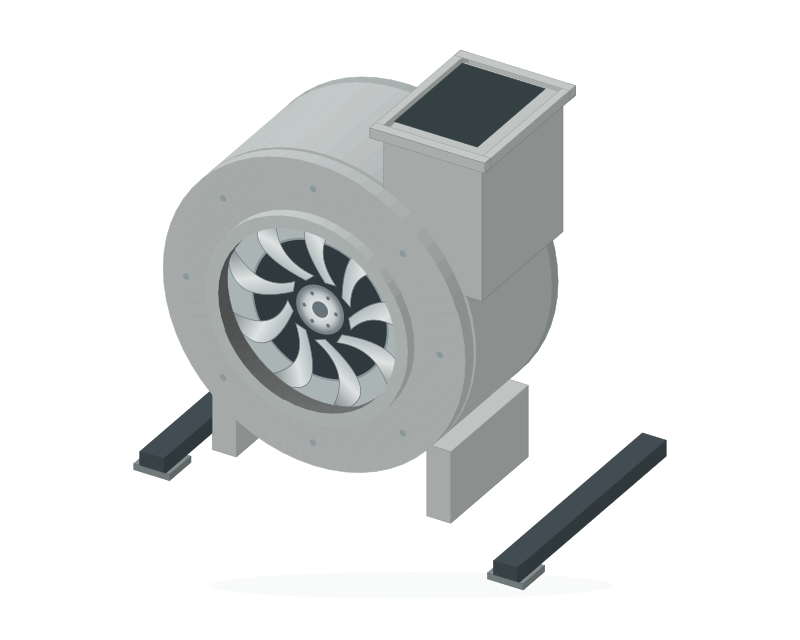
AIR MOVEMENT
Fans that look like fans.
Distinct axial and centrifugal forms, with animated variants for your page states.
BUILDING MANAGEMENT · ENGINEERED FOR CLARITY
Bring plant, floor plans and estate systems into one OWL workspace. Engineer clear HVAC graphics on your Mac, publish them to the website, and give your team a consistent view of the buildings they manage.
 OWL workspace
For approved customers and engineers.
Email info@owliot.co.uk from the address on your account. For your security we reset passwords by hand; there is no self-service reset link.
Open your authenticator app and enter the 6-digit code shown for OWL IoT.
First sign-in only. Scan this code with an authenticator app such as Microsoft Authenticator, Google Authenticator or 1Password, then enter the code it shows.
Opening your workspace…
Approved accounts with authenticator verification. Use your organisation’s assigned access.
GRAPHICS WITH ENGINEERING PURPOSE
Detailed equipment, clear pipework and 3D floor plans from the new HVAC graphics library. Build pages that help engineers understand the system at a glance.
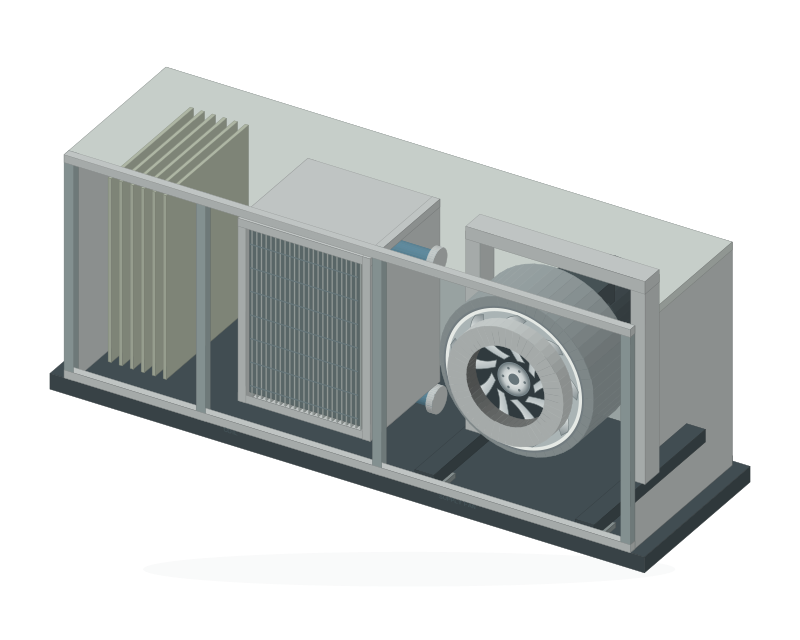 01 / AIR HANDLING
FROM COMPONENT TO COMPLETE PAGE
A cutaway air handling unit makes the filter, coil and supply fan easy to identify. Combine equipment with point labels, pipework and page navigation in the desktop builder.
Open published graphicsYour approved OWL sign-in is required.
Distinct axial and centrifugal forms, with animated variants for your page states.
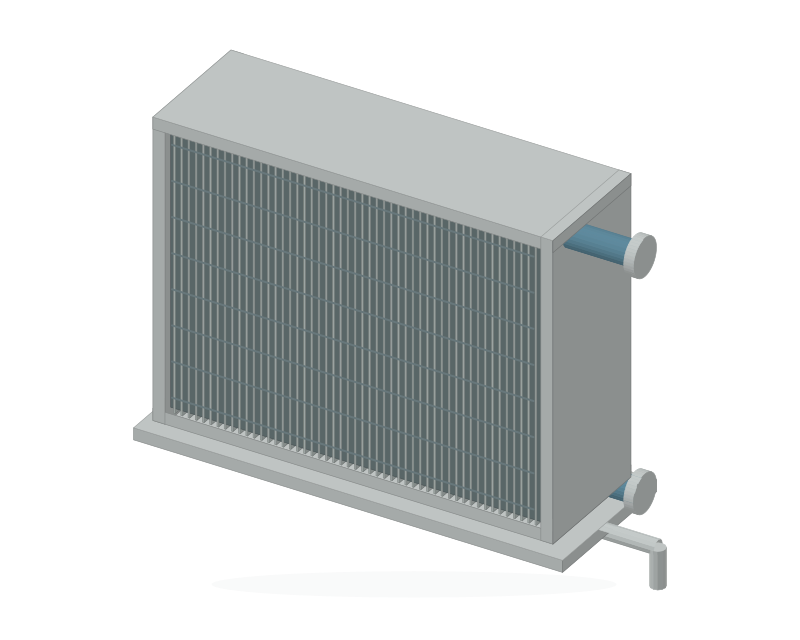
Finned coils, heat exchangers and plant components with clear connection details.
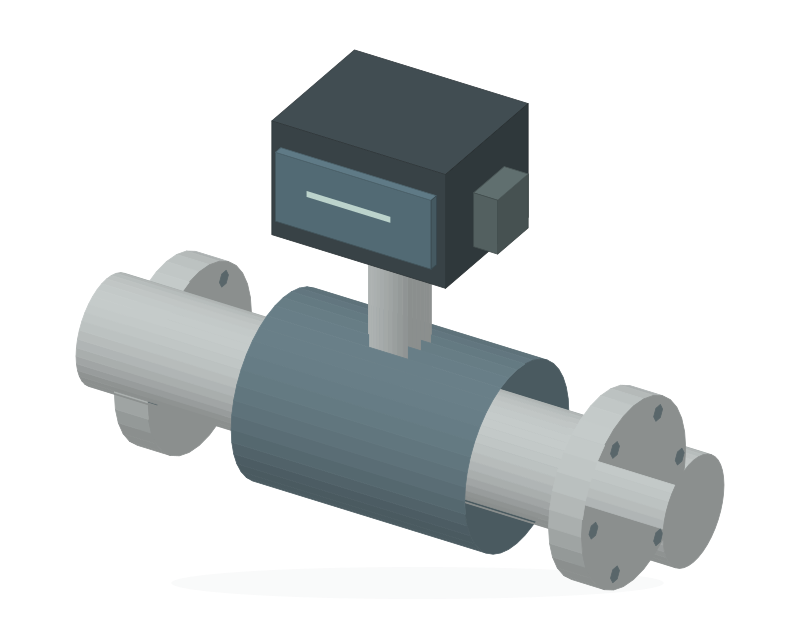
Valves, pumps, sensors and pipework for heating and chilled-water schematics.
ONE ENGINEERING WORKFLOW
The installed OWL BMS Graphics Builder is for editors and administrators. The website is the signed-in workspace for published pages.
Arrange equipment, add floor plan backdrops, label points and create site navigation. Save your work to the OWL graphics library.
OWL BMS GRAPHICS BUILDERPublish a saved graphic when it is ready. The website receives that version; unpublished drafts stay in the engineering workflow.
SAVE · REVIEW · PUBLISHApproved users open published pages and their site menu at /graphics/. Editing remains in the desktop app.
Open OWL workspaceKnow what you are looking at. Graphic examples use demonstration data. Published point values are saved snapshots until a live connection is commissioned; an animated symbol alone is not proof that equipment is running.
FROM INSTALLED CONTROLS TO OWL
Start with the controls, network and point list on site. Confirm the connection and each permitted operation before bringing the building into the workspace.
CONTROL MANUFACTURERS
RDM estate connectivity is part of the OWL project. Trend installations are assessed by controller, interface and site requirements.
Manufacturer and controller compatibility is checked per site.COMMUNICATION PROTOCOLS
BACnet/IP discovery is available in the desktop builder. Modbus integration requires an agreed device register map and a commissioned connection.
A protocol defines communication; it is not a manufacturer.Named plant, documented points and verified access.
Approved LAN or 4G route, with VPN access where required.
Authenticated access to commissioned services and published graphics.
Open the estate workspace and published building pages over HTTPS.
ENGINEERED ACCESS
Bring engineers, operators and administrators into the same workspace, with access assigned to their role.
Go to secure workspaceAccount requests are reviewed by an administrator. Authenticator verification protects sign-in.
Editors and administrators publish from the desktop builder. Viewers open the published result.
Controller changes belong to the authorised estate workflow, with the configured checks and permissions. The graphics library does not itself enable controller writes.

TALK TO US
From a single plant room to an estate of buildings, tell us about your controls, network and engineering requirements.
info@owliot.co.uk Already have an account? Sign in.